
Download Karvi Studio
The official desktop IDE.
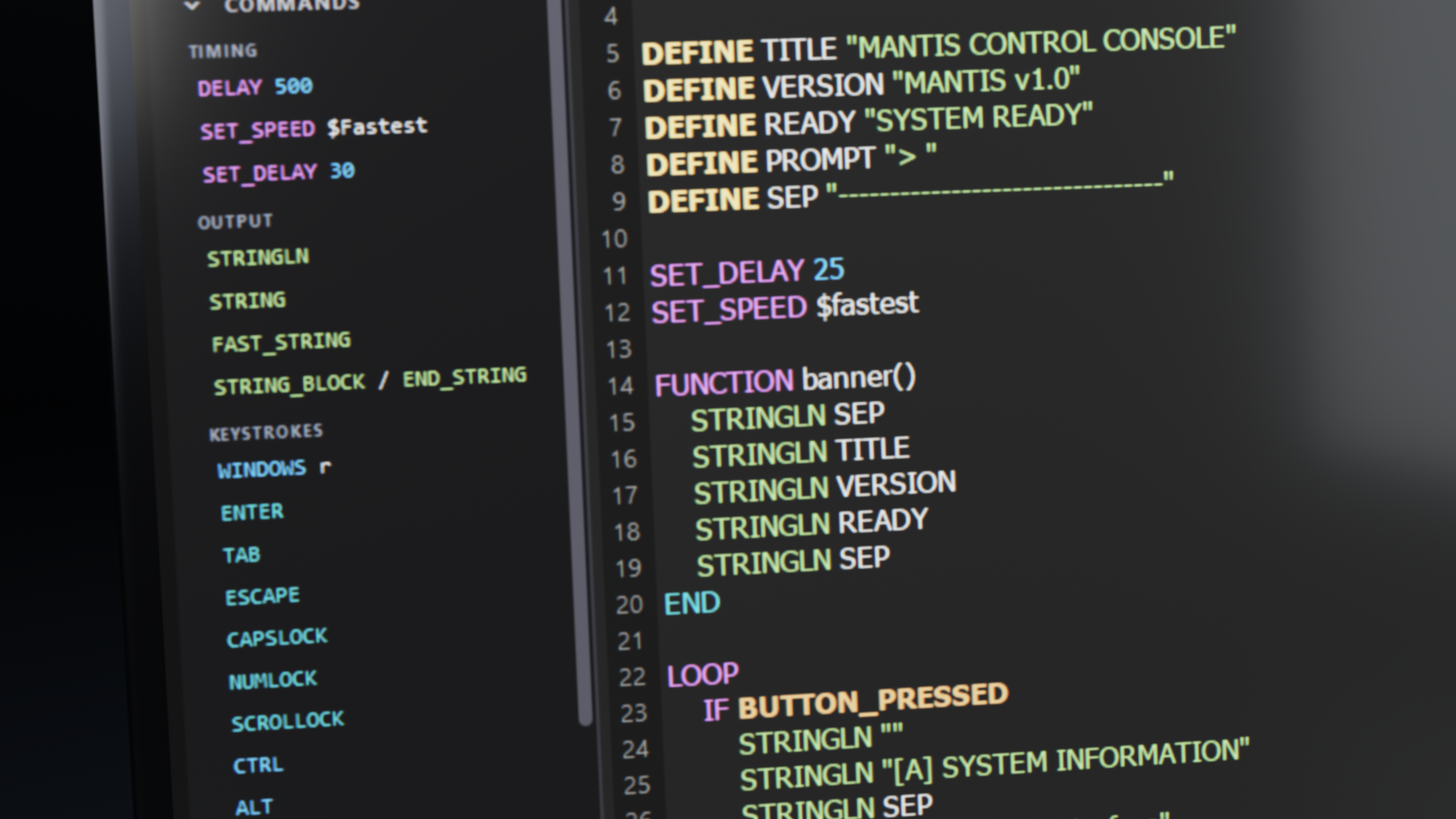
IDE Features
Write Payloads Like a Pro.
Explore the developer toolchain designed from scratch for high-speed USB payload creation and hardware simulation.
Everything you need. One window.
Write, simulate, and flash payloads without switching tools. Built-in syntax checks let you verify execution before touching hardware.
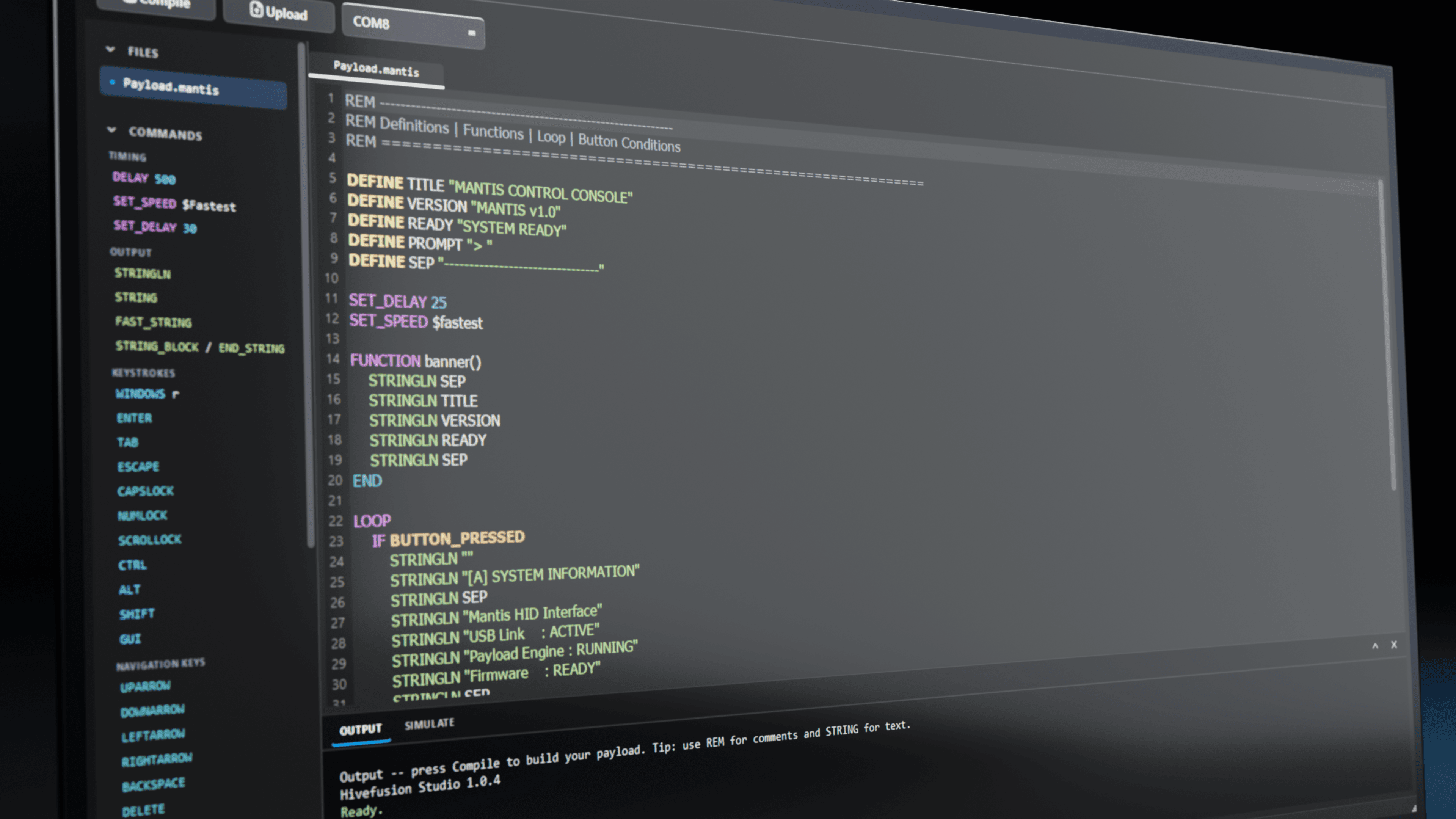
Find it. Drop it in. Keep building.
Browse and drop commands straight into your payload — from keystrokes and delays to strings and hardware controls.
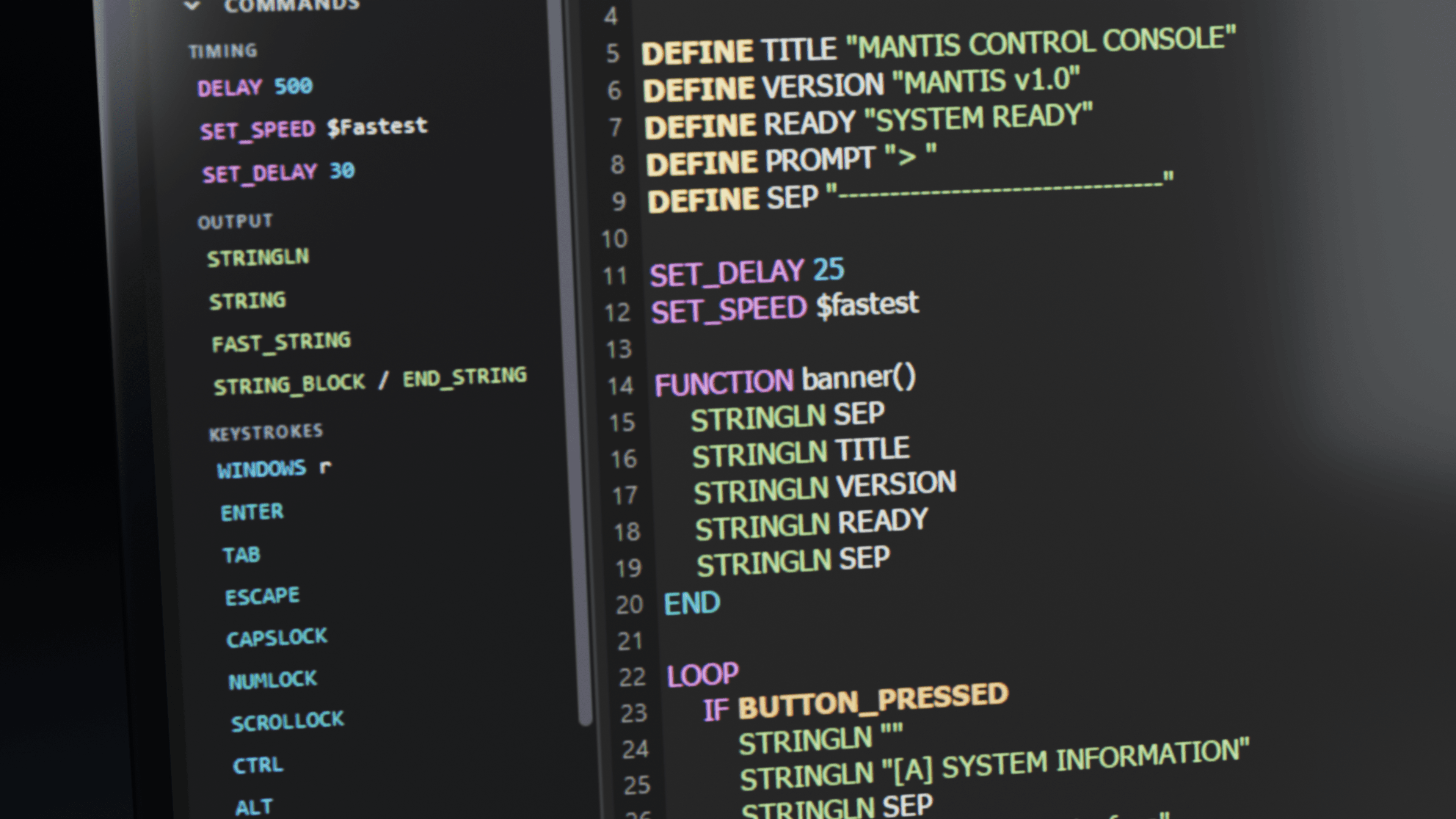
Easy to use. Just write the script.
Compile to bytecode and flash over USB in milliseconds. Zero drivers, zero manual bootloading — connect, compile, and upload.
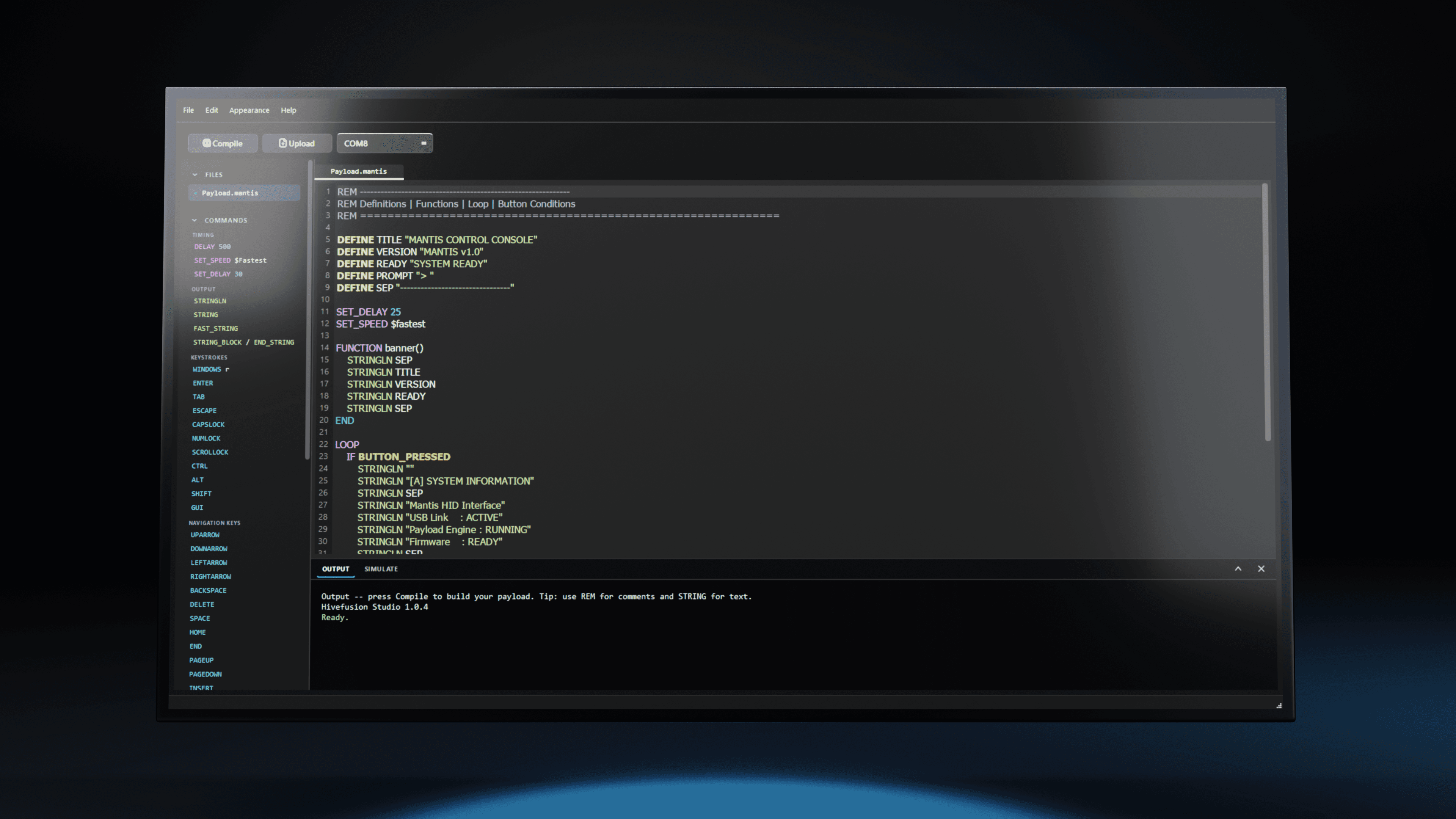
Overview & Architecture
What is Karvi Studio?
Karvi Studio is the official desktop IDE, compiler toolchain, and simulator designed for Mantis USB HID keystroke injectors.
It transforms human-readable .mantis scripts and DuckyScript payloads into optimized bytecode (Host-Compiled Bytecode Architecture / HCBA), flashing directly to Mantis hardware over USB in seconds.
Native .mantis Support
Built-in syntax highlighting, multi-line functions, variables, SET_SPEED jitter presets, and real-time compile diagnostics.
Zero Drivers Required
100% driverless. Uses native Windows USB CDC serial communication without WinUSB, Zadig, or third-party drivers.
DuckyScript Compatible
Paste classic USB Rubber Ducky scripts (1.0/2.0) directly. Studio validates and compiles them into compact Mantis bytecode.
Keystroke Simulator
Step through scripts line-by-line in a virtual sandbox to inspect delays and typing execution before hardware deployment.
Installation Guide
How to Download & Install Karvi Studio
Zero drivers required. Ready to program Mantis out of the box.
Download Installer
Download the official KarviStudio_Setup_v2_0_1.exe (~200 MB) for Windows 10 or 11.
Run Setup Wizard
Open the setup executable and follow the brief on-screen instructions. Zero driver prompts will appear.
Launch Studio
Open Karvi Studio from your Start Menu. Start writing in .mantis or open example payloads.
Connect & Flash
Insert Mantis in Upload Mode (hold Upload button while plugging in) to compile and flash in one click.
Designed for Mantis Automation
Lightweight, native desktop toolchain with minimal system overhead.
Real Compiler Diagnostics
Surface Mantis syntax errors and timing issues at build time before uploading payloads.
Built-in Mantis Reference
Searchable reference of all Mantis commands, keystrokes, and timing modifiers.
Visual Payload Simulator
Step through Mantis scripts line-by-line to preview keystroke execution prior to hardware flashing.
One-Click Serial Upload
Automatic COM port discovery and direct serial uploading over USB to Mantis boards.
Platform Requirements
Windows
- •Windows 10 / 11 (64-bit)
- •2 GB RAM minimum, 500 MB free disk space
- •Standard USB port — Zero proprietary drivers required
Linux (Coming Soon)
- •Linux binary not available currently
- •Ubuntu, Debian, Fedora, Arch builds in testing
- •Standard USB serial access (`dialout` group)
Frequently Asked Questions
Karvi Studio FAQ
Everything you need to know about downloading Karvi Studio, zero-driver requirements, .mantis scripting language support, and hardware flashing.
Need assistance?
Check out our detailed documentation or reach out to the engineering team.
Karvi Studio is the official desktop Integrated Development Environment (IDE), compiler, and hardware flasher designed for Mantis USB HID keystroke injectors. It provides syntax highlighting for the .mantis language, full DuckyScript compatibility, compiler diagnostics, a virtual keystroke simulator, and 1-click serial flashing over USB.
A .mantis file is the plain-text source script written in the Language of Mantis (Karvi Device Compiler) for programming Mantis USB HID devices. It features clean, DuckyScript-style commands (like STRING, DELAY, GUI, ENTER) combined with advanced capabilities like multi-line FUNCTION declarations, BUTTON_DEF hardware triggers, and SET_SPEED natural typing jitter. Instead of running an interpreter on the microcontroller, Karvi Studio compiles .mantis scripts into ultra-compact, high-speed bytecode on your computer (Host-Compiled Bytecode Architecture / HCBA) before flashing it to the device's onboard SPI flash memory.
To download Karvi Studio, click the 'Download for Windows' button on this page to get the official installer (KarviStudio_Setup_v2_0_1.exe). A free Karvi account login is required to start the download.
No. Karvi Studio does NOT require any kind of drivers. Mantis uses standard USB CDC (Communications Device Class) serial protocols that are natively supported out-of-the-box by Windows 10, Windows 11, macOS, and Linux without installing WinUSB, Zadig, or third-party serial drivers.
Yes. Karvi Studio features native, first-class support for the .mantis language. It includes automated syntax highlighting, compile-time error checking, multi-line function declarations, dynamic variable handling, human-like typing speed presets (SET_SPEED), and hardware button triggers.
Yes. Karvi Studio is fully backward compatible with DuckyScript 1.0 and 2.0 payloads. You can paste your existing DuckyScript commands (such as STRING, DELAY, GUI, ENTER, ALT) directly into the editor. The built-in compiler validates and optimizes them into bytecode for Mantis.
Yes. Karvi Studio is completely free for all Mantis hardware users, penetration testers, red teamers, and security researchers. You get unlimited access to the compiler, IDE, diagnostics, simulator, and documentation without subscriptions or paywalls.
When you put your Mantis into Upload Mode (holding down the tactile button during USB insertion) and click 'Flash Device' in Karvi Studio, the IDE compiles your code and transfers the bytecode over USB CDC serial directly to the onboard non-volatile SPI flash memory in seconds.
Yes. Karvi Studio contains a fully self-contained local compiler toolchain and syntax engine. Once installed, you can write, compile, debug, simulate, and flash payloads completely offline in air-gapped environments without any internet connection.
Karvi Studio runs efficiently on Windows 10/11 (64-bit). Minimum requirements are 2 GB RAM, 500 MB free disk space, and a standard USB-A port for device communication. Zero external drivers required.
We provide official SHA-256 checksum hashes directly on this page. You can click 'Copy Checksum' and run CertUtil -hashfile KarviStudio_Setup_v2_0_1.exe SHA256 in Windows PowerShell to verify binary integrity.